The AI-First Planner 5D Alternative
Renders Without the Modeling
Planner 5D requires building room layouts manually before you can render. EasyRender skips the 3D work entirely — upload any floor plan or photo for instant AI renders.
No credit card required
Everything EasyRender can do
All the tools a professional designer needs - in one platform.
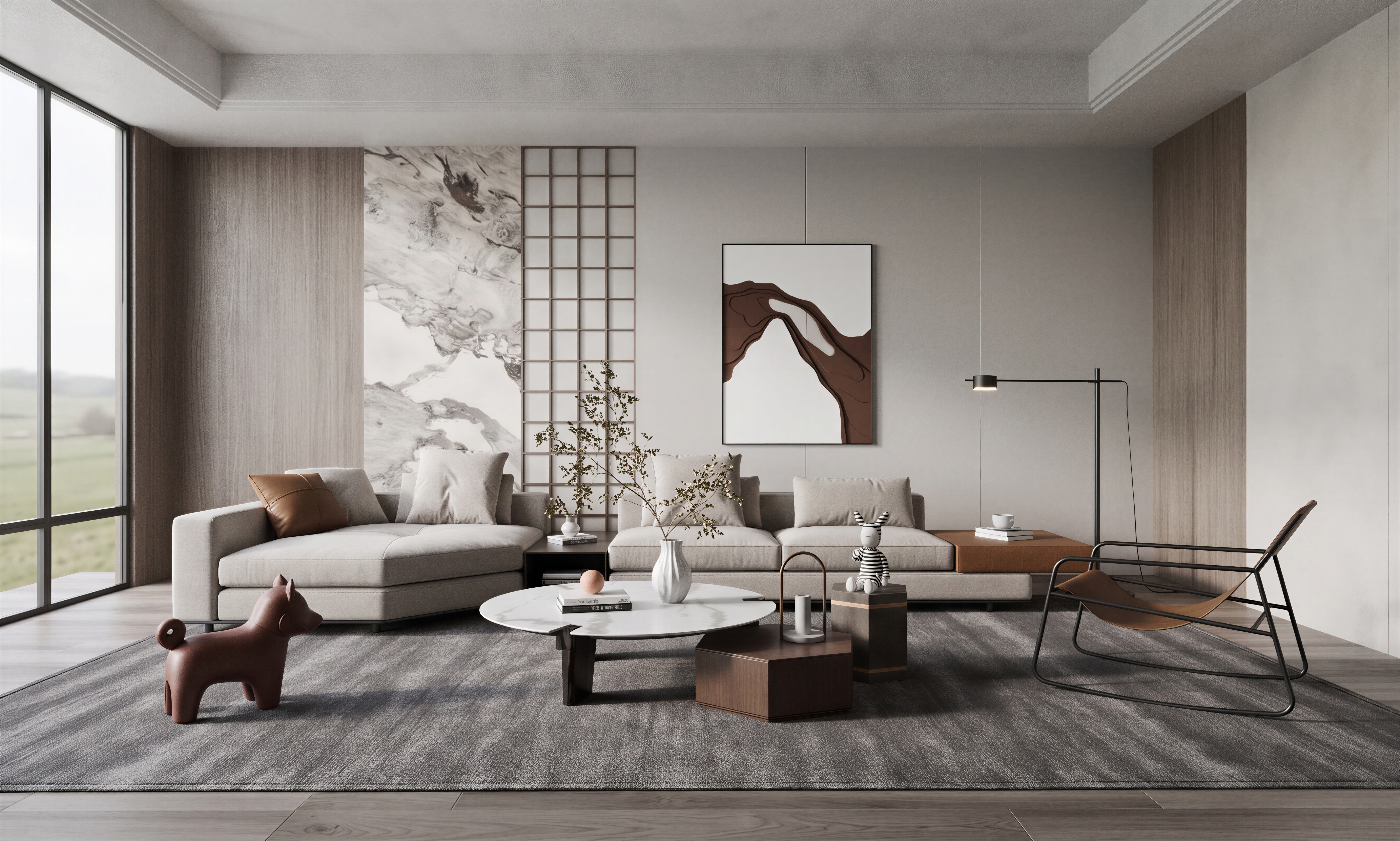
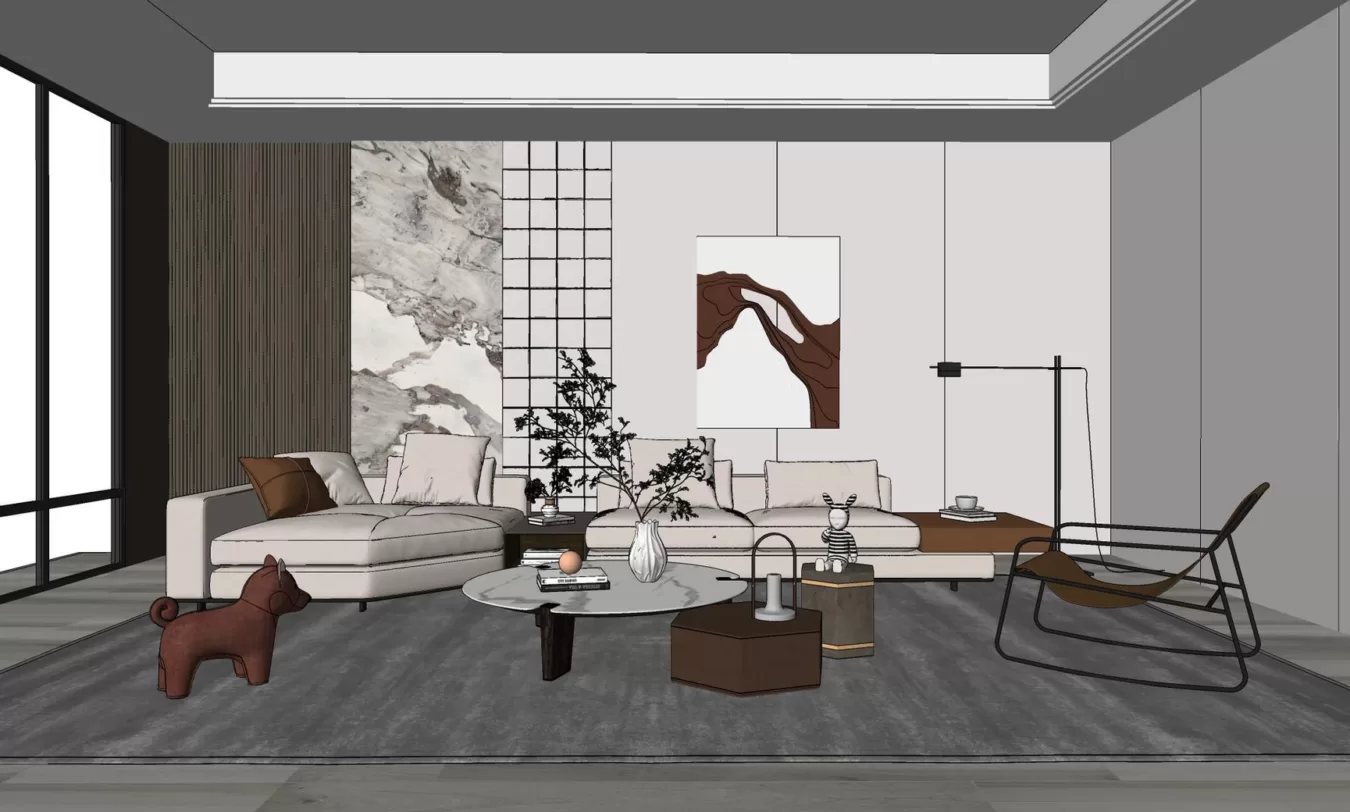
Turn concepts into photorealistic renders.
Transform rough sketches or basic models into client-ready visuals in seconds.
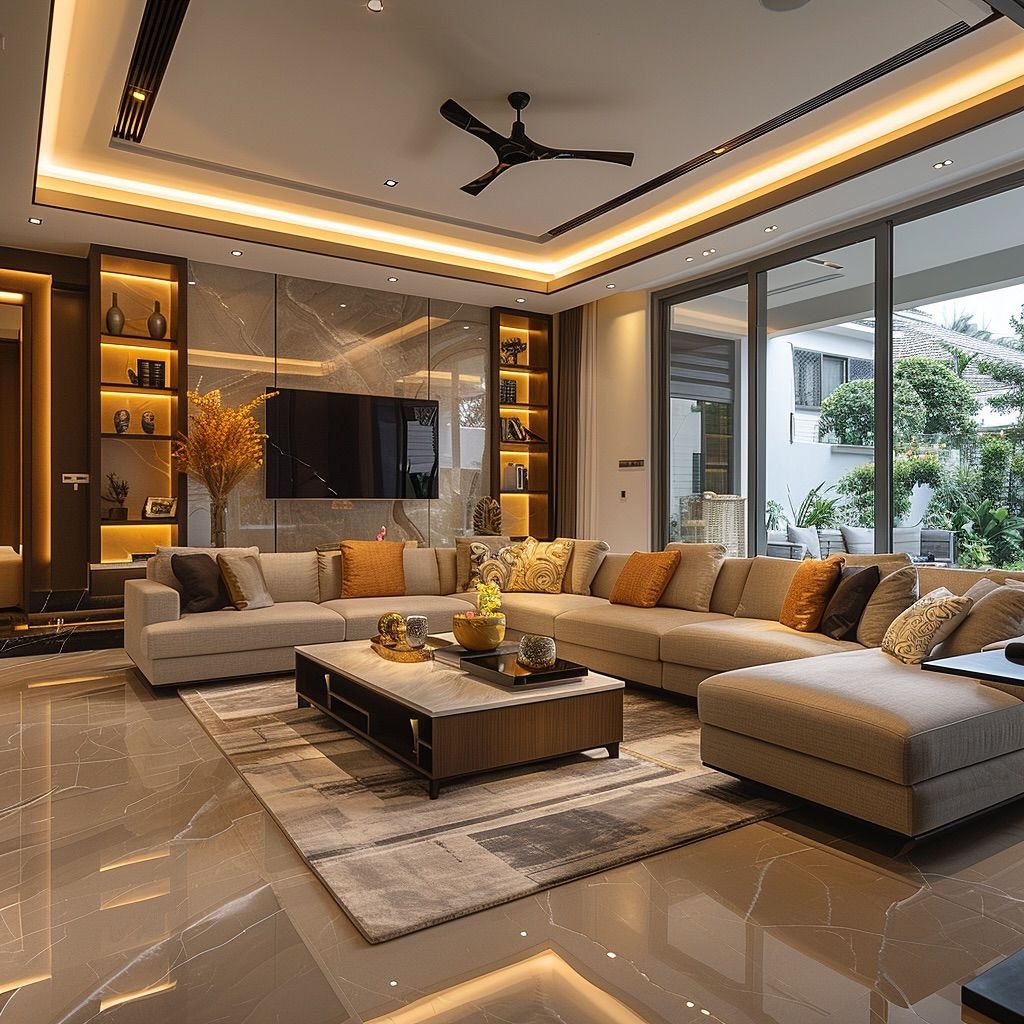
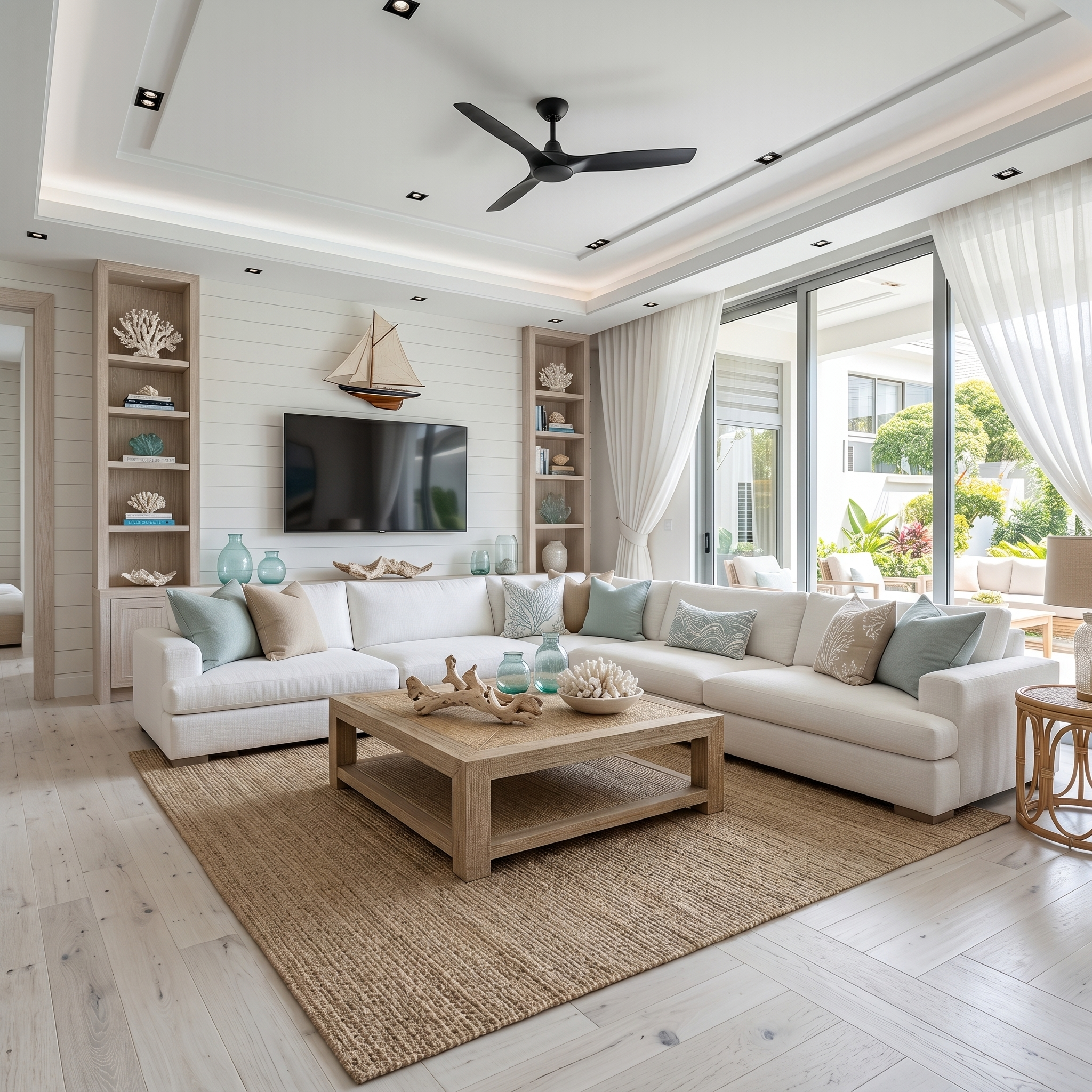
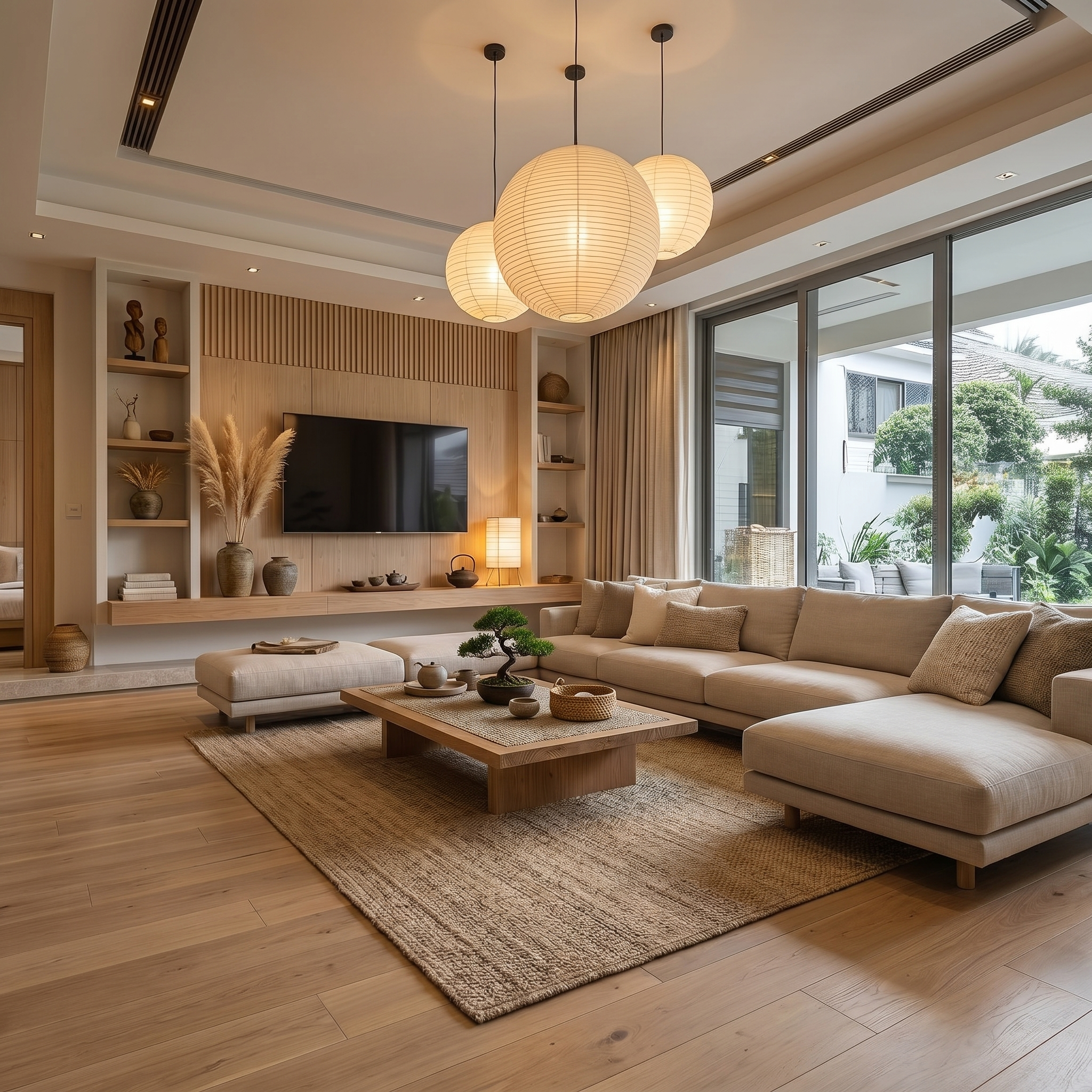
Redesign your space instantly.
Upload any room photo and see it reimagined across multiple design styles side by side. Show clients Japandi, Coastal, Modern, and more - all from a single photo.
Get client approvals Faster.
Share renders directly with clients and your team on a dedicated review board. They leave feedback, request changes, and approve - no emails, no whatsapp messages, keep everything organized.
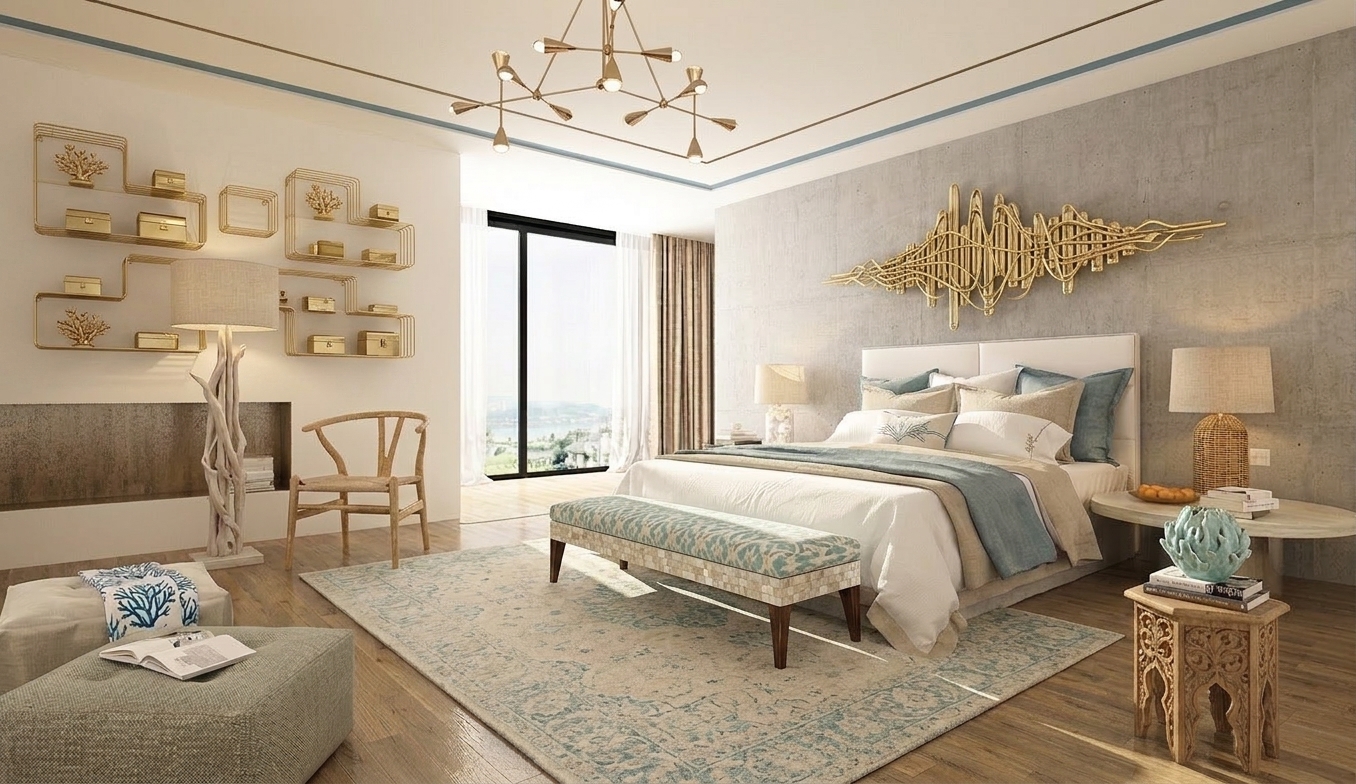
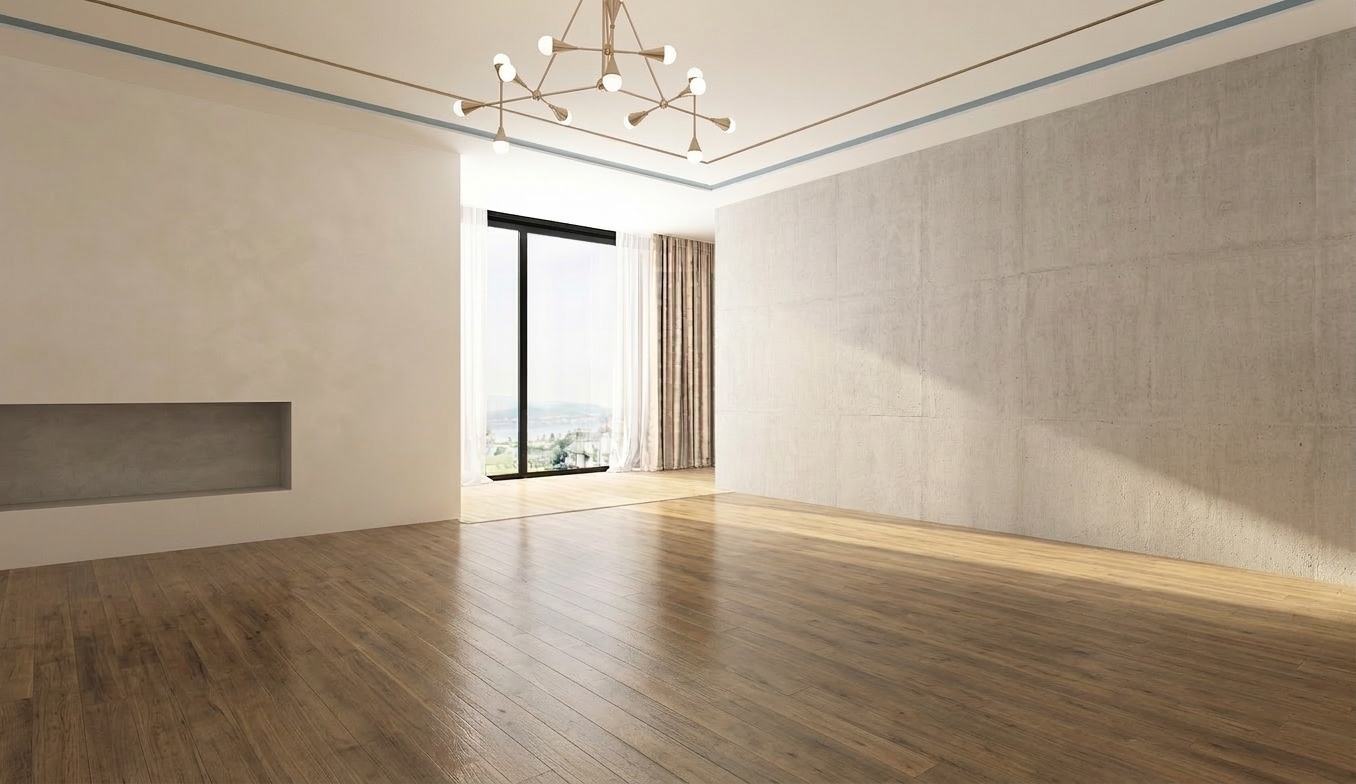
Stage empty rooms in seconds.
Generate fully furnished interiors with realistic lighting, depth, and style consistency.
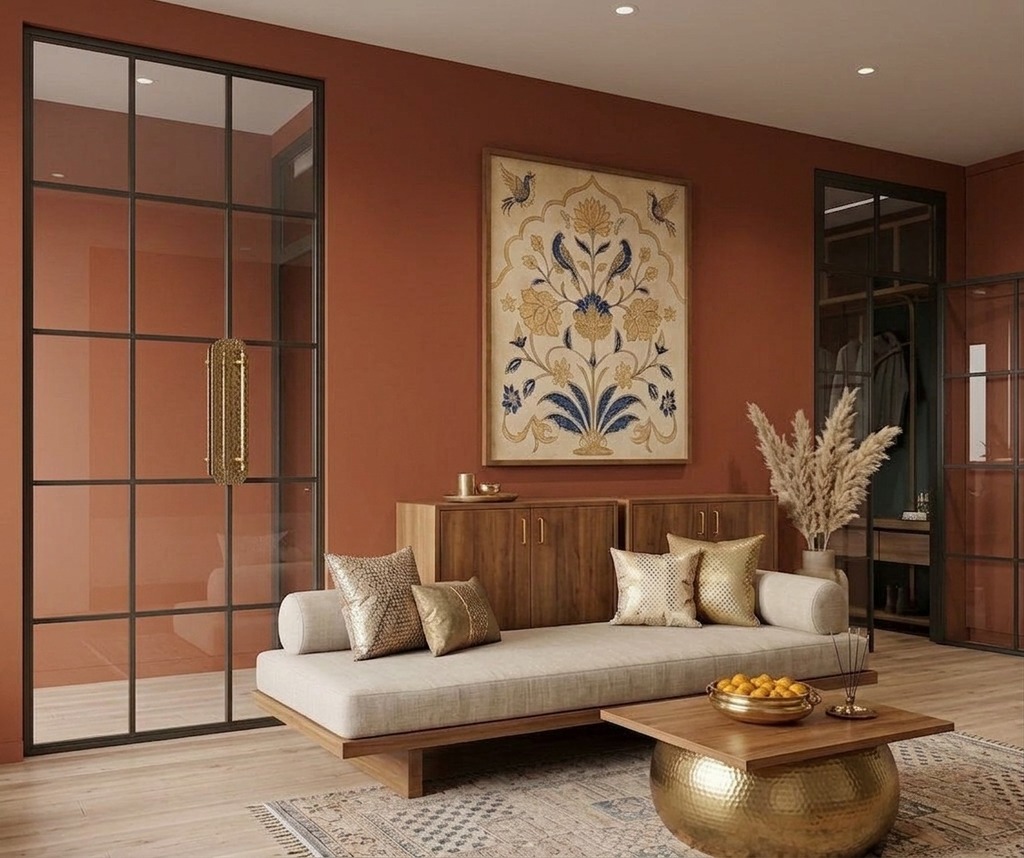
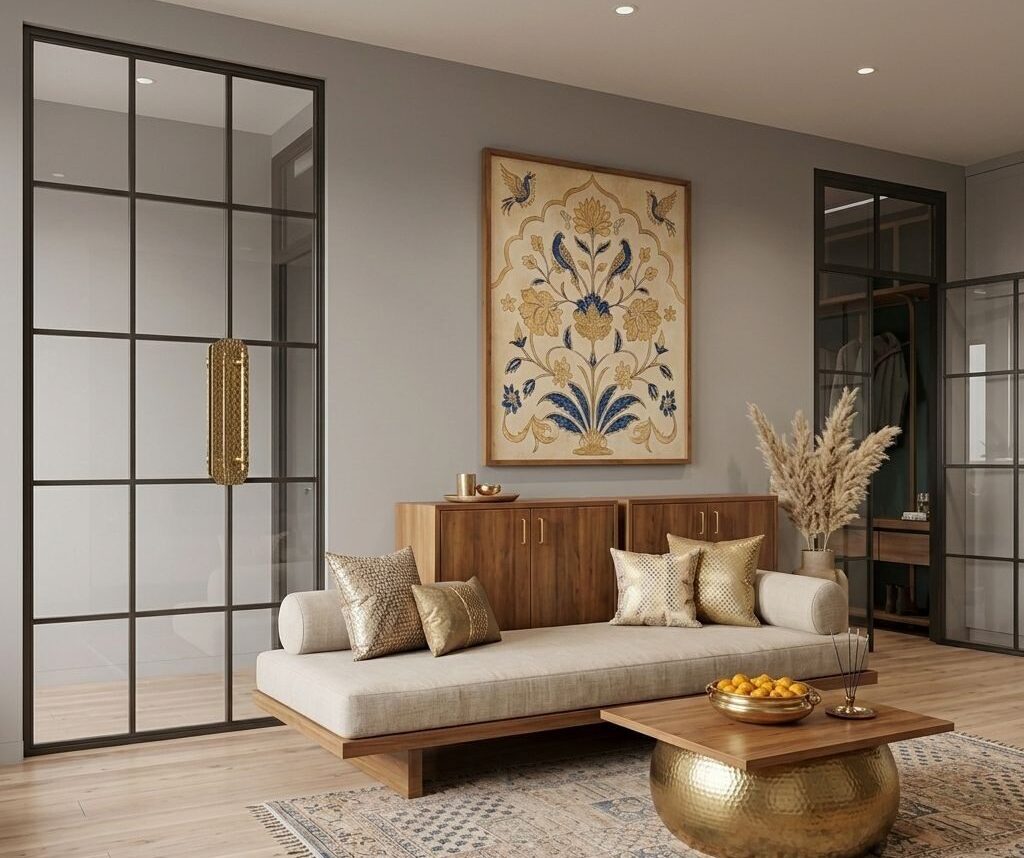
See your walls in any color before you paint.
Swap wall colors, finishes, and materials in seconds. Show clients exactly how a space will look without lifting a brush.
Why designers leave Planner 5D
Common limitations that push professionals to look for a better solution.
Manual Room Building Required
Planner 5D requires placing every wall and object manually. EasyRender reads your existing floor plan or photo and renders immediately.
Limited AI Features
Planner 5D offers basic AI suggestions. EasyRender's AI redesigns entire spaces, generates video walkthroughs, and removes objects automatically.
No Professional Collaboration
Planner 5D focuses on homeowners. EasyRender is built for design studios with team management, member roles, and client approval boards.
EasyRender vs Planner 5D
A side-by-side look at what each platform offers.
| Feature | EasyRender | Planner 5D |
|---|---|---|
| AI Room Rendering | ||
| Virtual Staging | ||
| Sketch to Render | ||
| Floor Plan to Render | ||
| Flythrough Video | ||
| Exterior Elevation | ||
| Remove / Inpaint Objects | ||
| Team Collaboration | ||
| Client Approval Boards | ||
| Free Trial |
10,000+
Renders Created
500+
Designers & Architects
4.8/5
Average Rating
Start creating professional renders today
Free to try — no credit card needed.
Frequently asked questions
EasyRender uses AI to render from your existing photos and floor plans — no room building required. Planner 5D requires manually constructing a 3D scene first.
Yes. EasyRender uses state-of-the-art AI image generation (FLUX Pro) to produce highly photorealistic renders, often indistinguishable from real photography.
Absolutely. EasyRender is widely used by real estate agents, property developers, and interior designers to create compelling visuals quickly.
No. EasyRender is fully web-based — works in any browser with no downloads or installations required.