Turn Rough Sketches into Client-Ready Renders From Napkin to Photorealistic
Upload any hand sketch, concept drawing, or rough digital illustration and EasyRender turns it into a photorealistic interior render. The fastest way to go from idea to visual.
No credit card required · 10 free credits on sign up
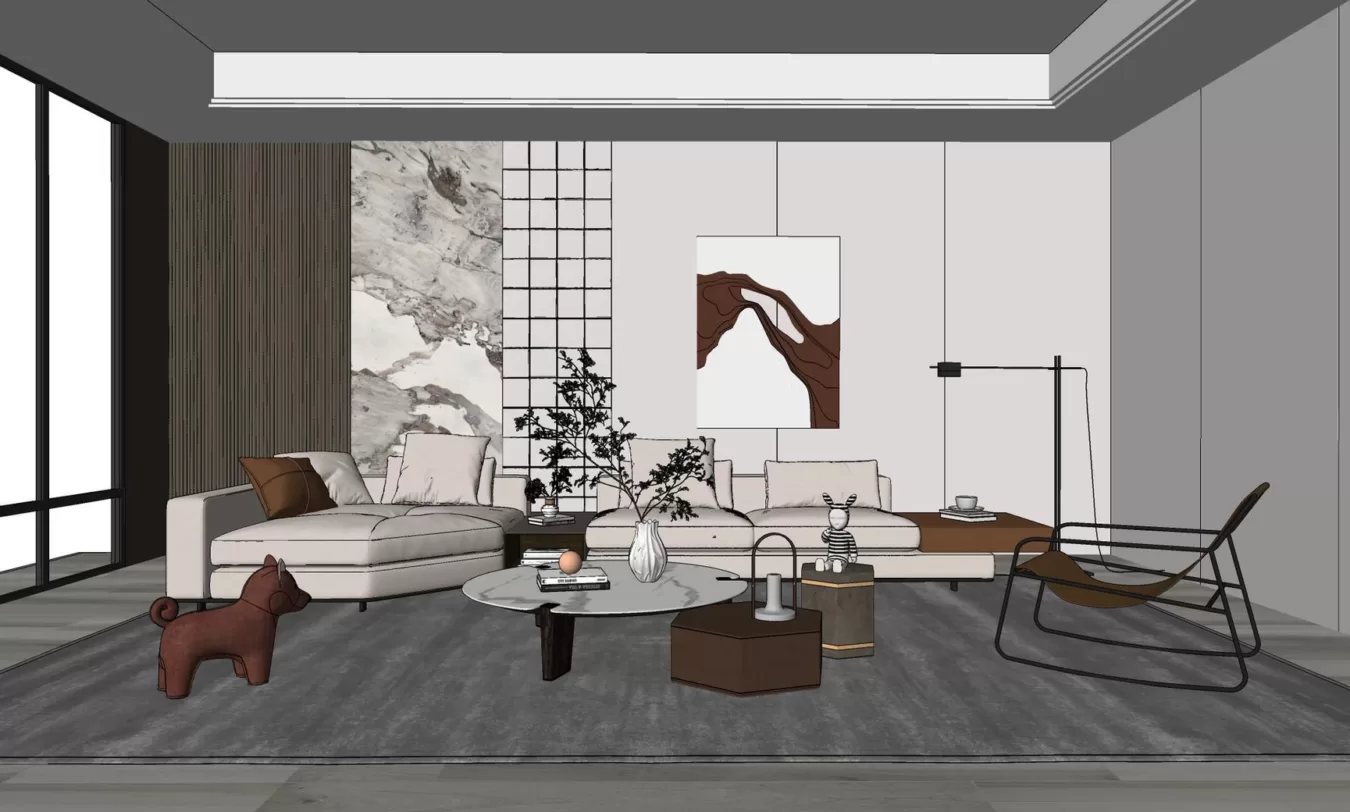
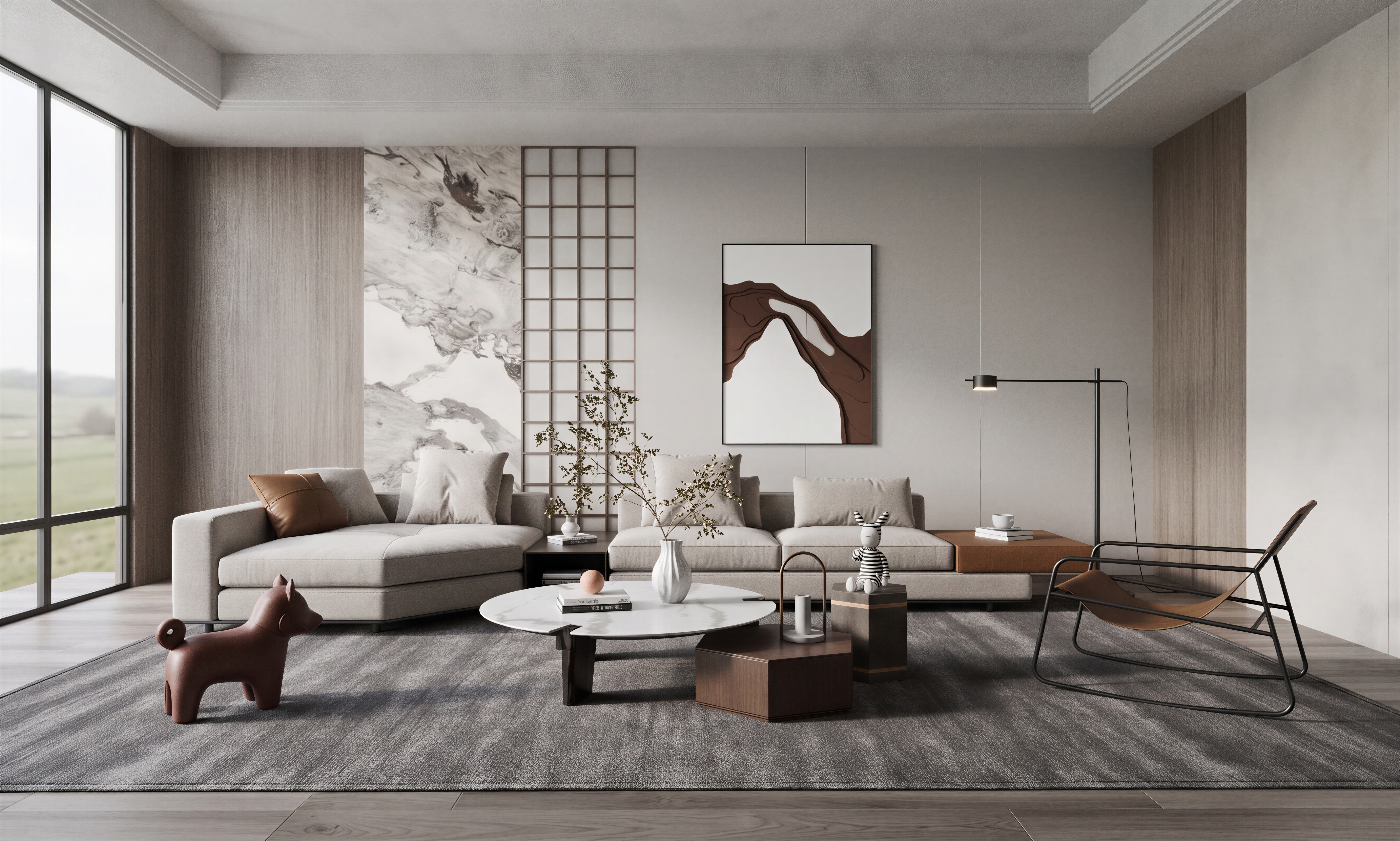
How it works
Up and running in 4 steps
Upload your sketch
Photograph a hand sketch on paper, export a digital sketch, or upload a basic line drawing.
Describe the space
Add a prompt or select a style to guide how the AI interprets and renders the sketch.
Generate the render
The AI maps your sketch lines to a photorealistic interior, adding materials, lighting, and furnishings.
Refine or export
Iterate with different styles or prompts, or export and share with your client immediately.
What's included
Everything in Sketch to Render
Who it's for
Built for Sketch to Render users
Interior Designers
Convert early-stage concept sketches into compelling visuals for client discovery meetings.
Architects
Rapidly visualise spatial ideas from hand drawings during early design development.
Students
Elevate academic project presentations by turning sketch concepts into photorealistic renders.
Renovation Consultants
Sketch out a client's renovation idea on a site visit and generate a render the same day.
FAQ
Common questions
The more clearly lines and spaces are defined, the better the output. But even rough room outlines produce usable renders.
Yes. Any line-based image works: hand-drawn, digital sketch, or a basic CAD wireframe export.
All standard EasyRender design styles apply: Modern, Japandi, Coastal, Industrial, Scandinavian, and more.
Yes. You can include a description prompt to specify materials, atmosphere, or specific design elements.
For room perspective sketches, use Sketch to Render. For overhead 2D floor plan layouts, use Floor Plan to Render, which is optimised for that input type.
Spend less time chasing feedback.
Spend more time designing.
AI rendering, client approvals, and team collaboration - all in one place.
No credit card required · Cancel anytime