Redesign Any Room in Seconds Four Styles at Once
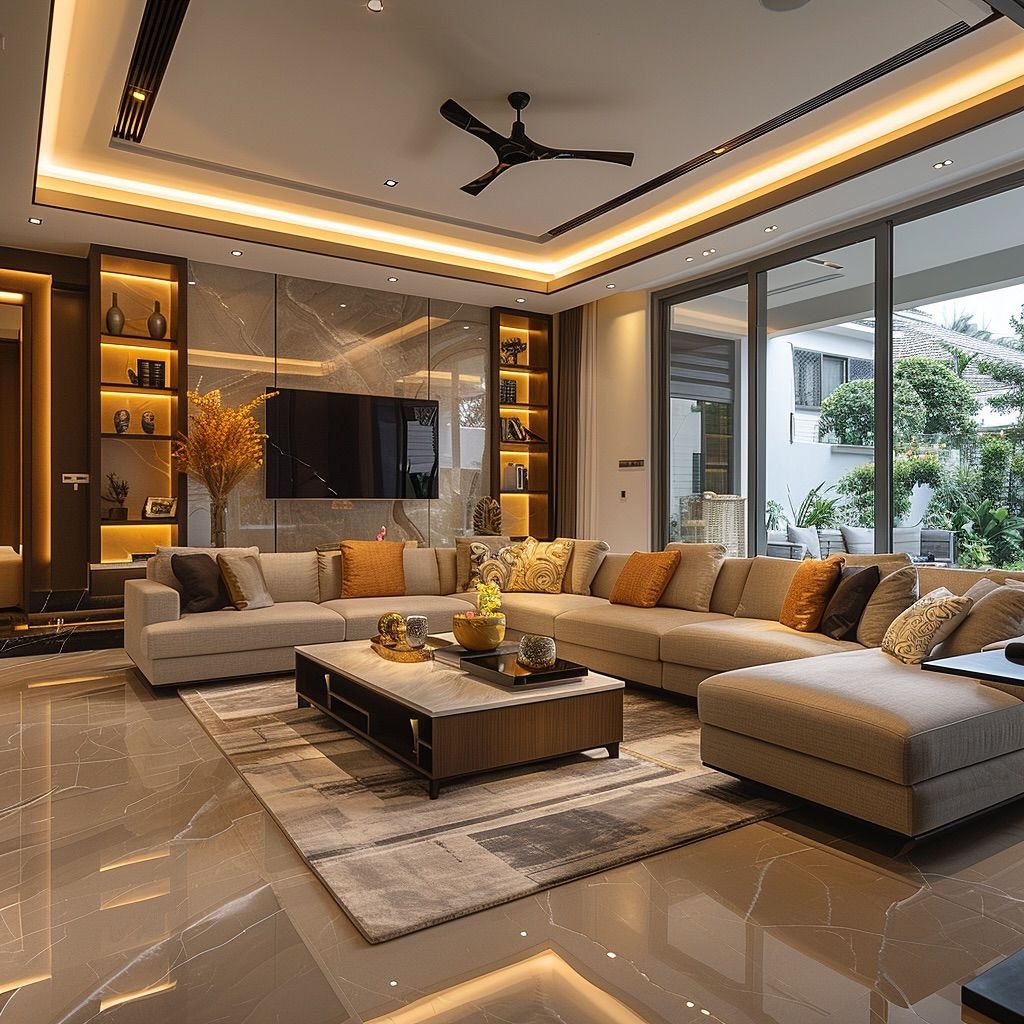
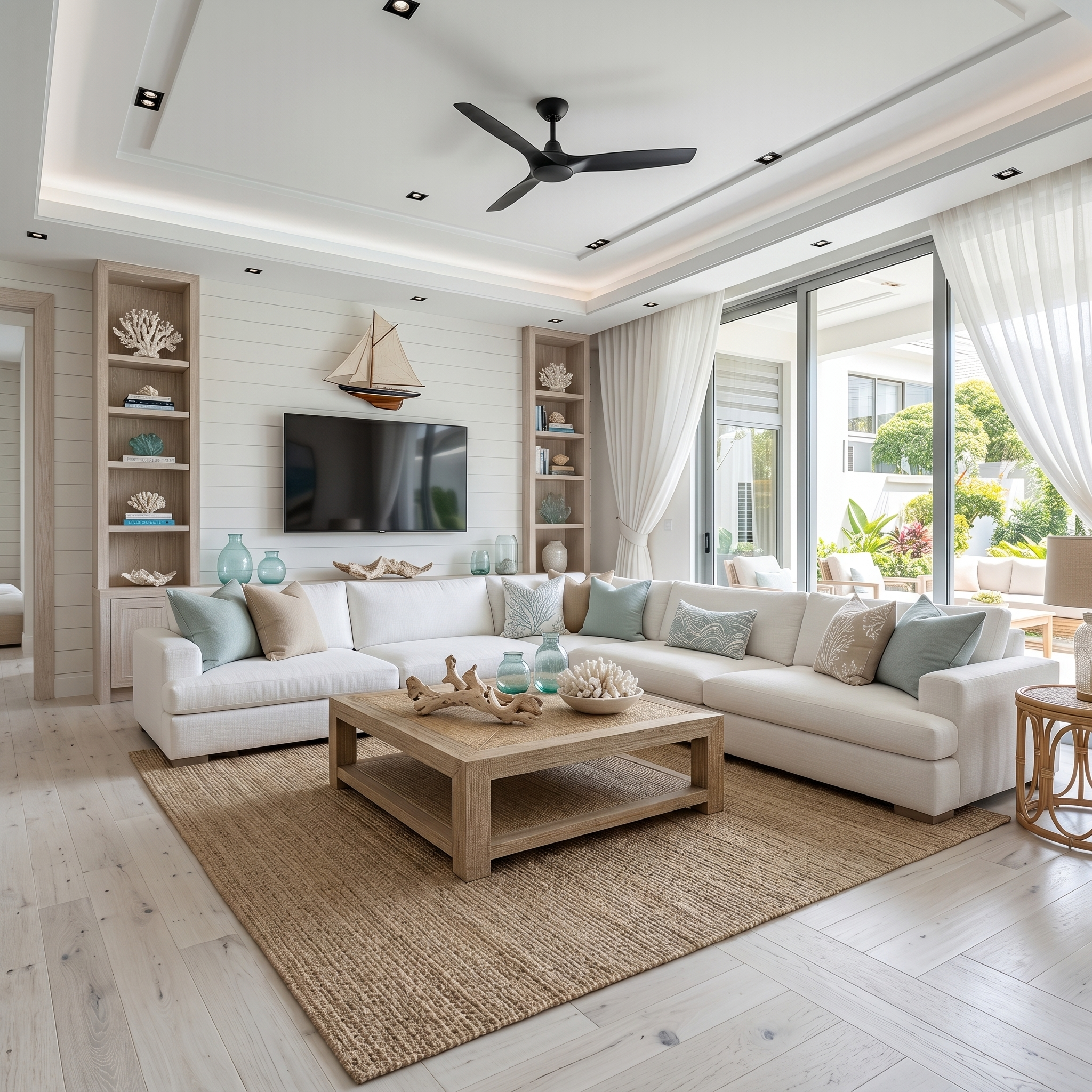
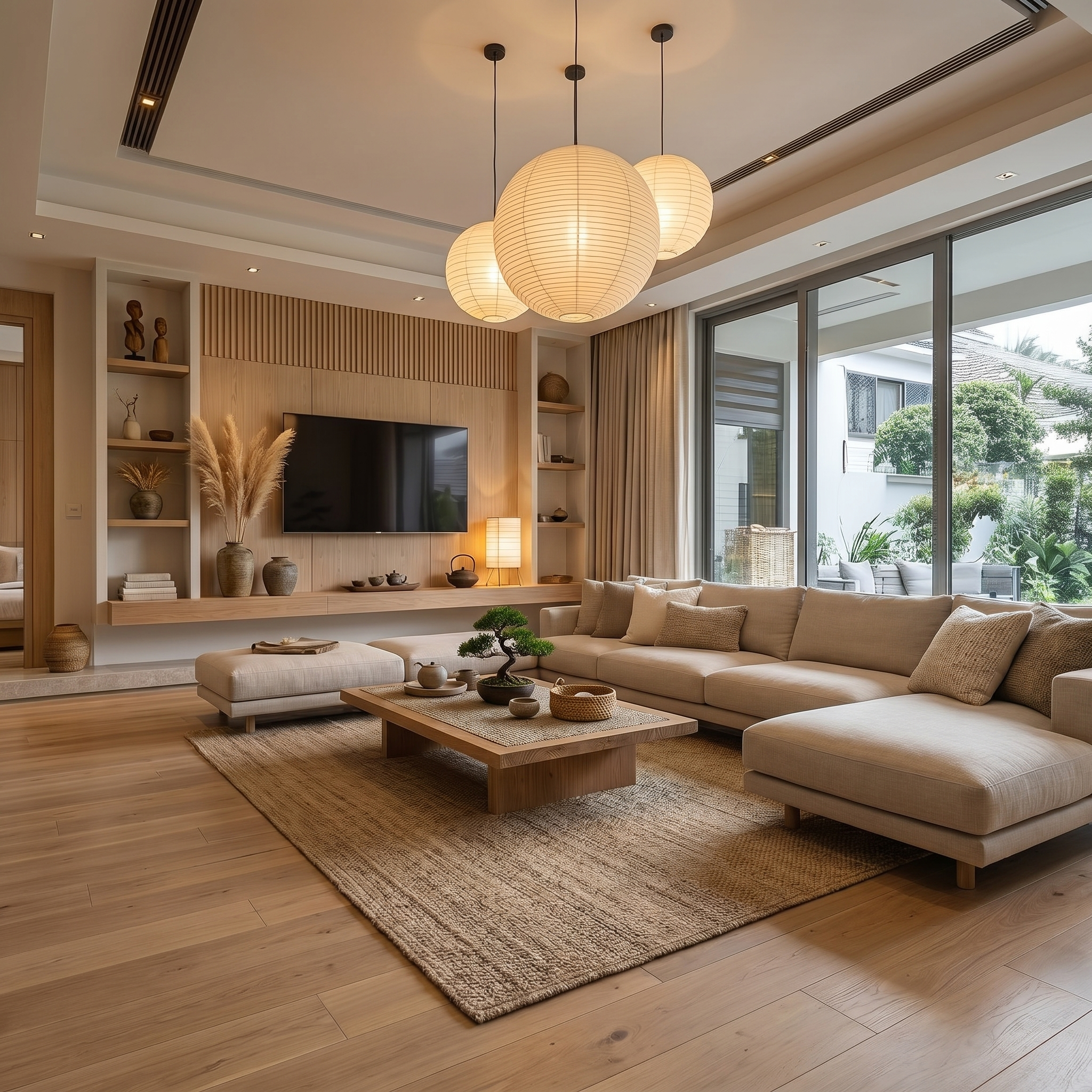
Upload a photo of any room and instantly see it reimagined across up to four design styles side by side. Show clients Japandi, Coastal, Modern, and Industrial from a single photo.
No credit card required · 10 free credits on sign up
How it works
Up and running in 4 steps
Upload a room photo
Upload any photo of the room. A phone shot works fine. JPEG, PNG, or WebP.
Choose up to four styles
Pick from 20+ curated design styles: Modern, Japandi, Coastal, Industrial, Scandinavian, and more.
Generate in parallel
EasyRender's AI generates all selected styles simultaneously so you see multiple options at once.
Download or share
Export full-resolution renders or send directly to your client approval board for feedback.
What's included
Everything in Room Designer
Who it's for
Built for Room Designer users
Interior Designers
Present multiple concept directions to clients in a single meeting, without hours of 3D modelling.
Real Estate Agents
Show buyers how a property could look redesigned to maximise appeal and close deals faster.
Architects
Quickly explore design language for a space before committing to detailed drawings.
Home Owners
Visualise renovation ideas before spending a penny on contractors or furniture.
FAQ
Common questions
You can generate up to four design styles in a single run.
Any clear photo works, even a smartphone shot. Better lighting gives better results, but the AI handles most conditions well.
No. The AI preserves walls, windows, doors, and the overall geometry of the space. Only the design style and furnishings change.
Yes. All exports are yours to use in client pitches, presentations, and proposals.
Room Designer is for broad style exploration across multiple looks. Render Studio gives you precise control via mask painting for targeted changes to specific areas.
Spend less time chasing feedback.
Spend more time designing.
AI rendering, client approvals, and team collaboration - all in one place.
No credit card required · Cancel anytime