Furnish Empty Rooms with AI Without Moving a Single Chair
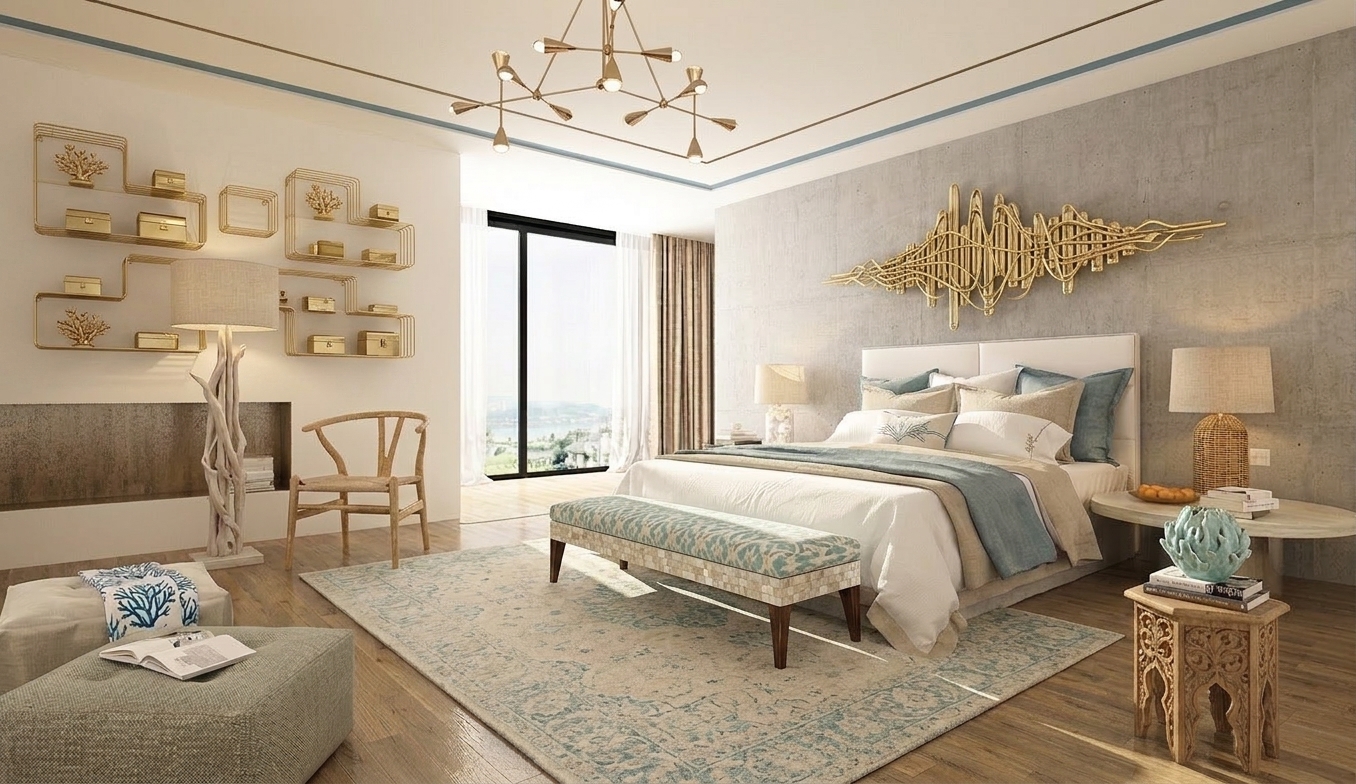
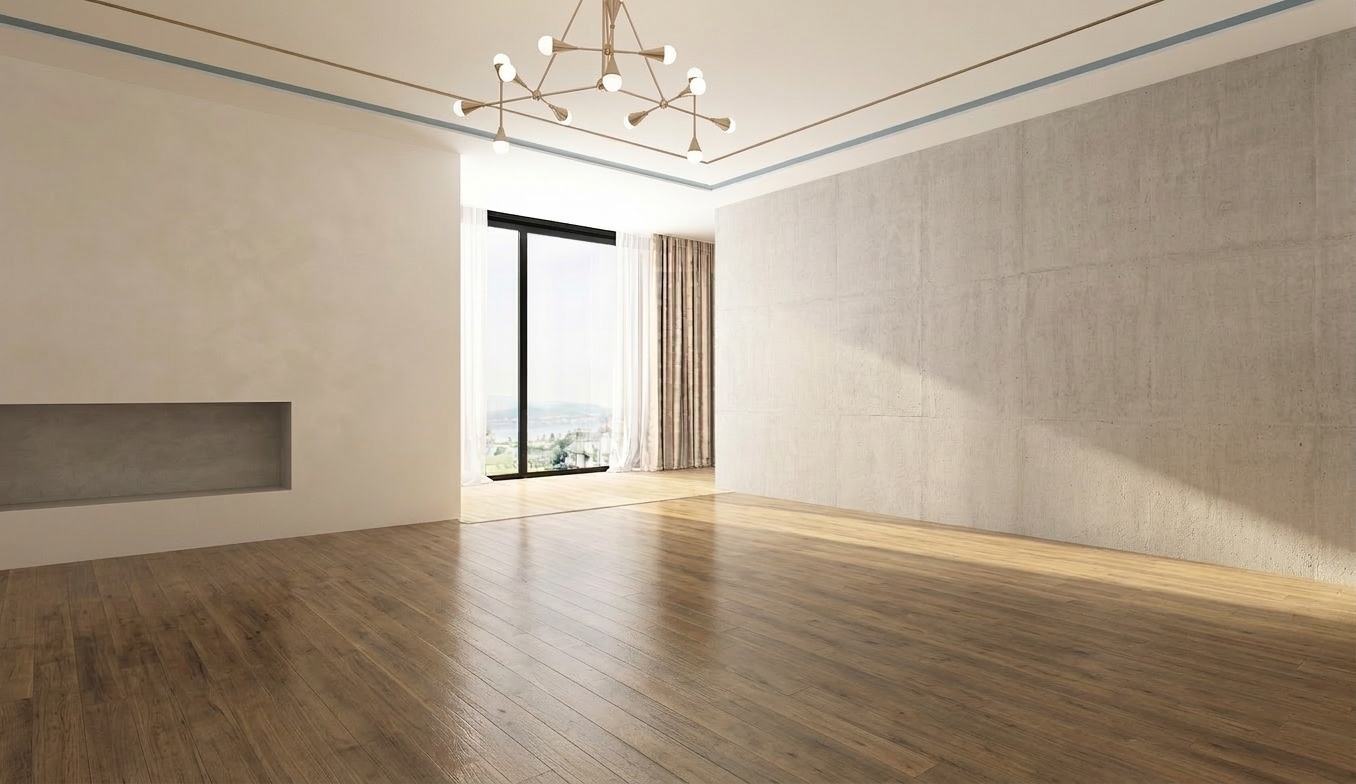
Upload a photo of an empty room and generate a fully furnished interior with realistic lighting, consistent depth, and professional results across 10+ design styles.
No credit card required · 10 free credits on sign up
How it works
Up and running in 4 steps
Upload an empty room photo
Photograph the empty space from a natural angle. Wide-angle shots work best.
Pick a style
Choose from 10+ staging styles: Modern, Scandinavian, Bohemian, Luxury, Mid-Century, and more.
Generate the staged room
EasyRender's AI adds furniture, lighting, and decor that fits the room's dimensions and natural light.
Export and publish
Download high-resolution images ready for property listings, brochures, or client proposals.
What's included
Everything in Virtual Staging
Who it's for
Built for Virtual Staging users
Real Estate Agents
Stage listings without the cost or logistics of physical furniture rental. Listings with staged photos sell faster.
Property Developers
Present unfurnished units to buyers with convincing, photorealistic staged interiors.
Interior Designers
Pitch concepts to clients for empty renovation spaces before committing to a buying list.
Airbnb Hosts
Visualise different furnishing options for a new property before purchasing anything.
FAQ
Common questions
No. The AI analyses the room's dimensions, windows, and natural light to place furniture in logical, realistic positions.
The Virtual Staging tool is optimised for empty rooms. For rooms with existing furniture, use the Remove Objects tool first, then stage.
EasyRender generates photorealistic staging. Whether images require a disclosure tag depends on your local MLS rules. Always check your jurisdiction's guidelines.
Modern, Scandinavian, Bohemian, Luxury, Mid-Century Modern, Industrial, Coastal, Japandi, Farmhouse, and Traditional.
Typically 15 to 30 seconds per image, depending on server load.
Spend less time chasing feedback.
Spend more time designing.
AI rendering, client approvals, and team collaboration - all in one place.
No credit card required · Cancel anytime