Professional-Grade AI Rendering Pixel-Perfect Control
Paint a mask on exactly what you want to change: a sofa, a wall, a corner of the room. Generate a photorealistic result for just that area, with atmosphere controls and reference image support.
No credit card required · 10 free credits on sign up
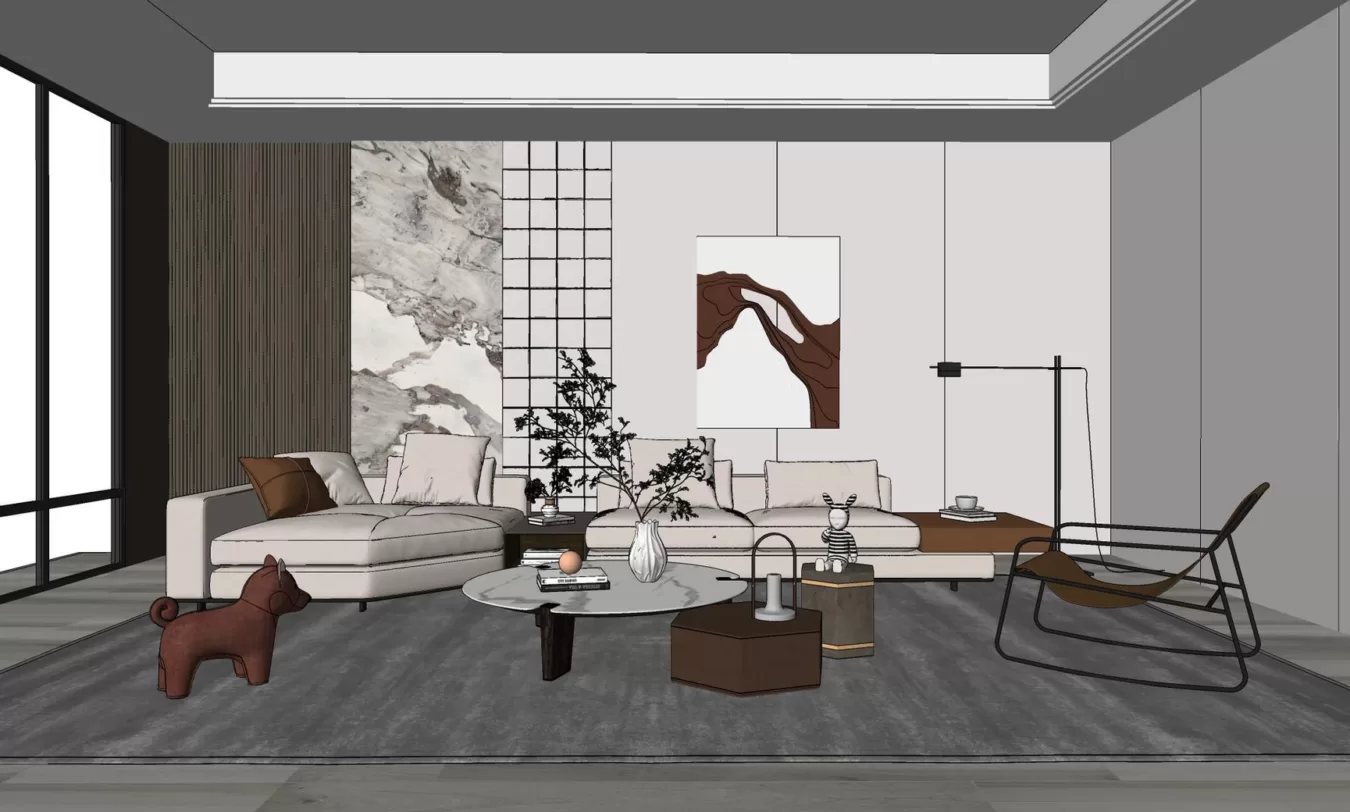
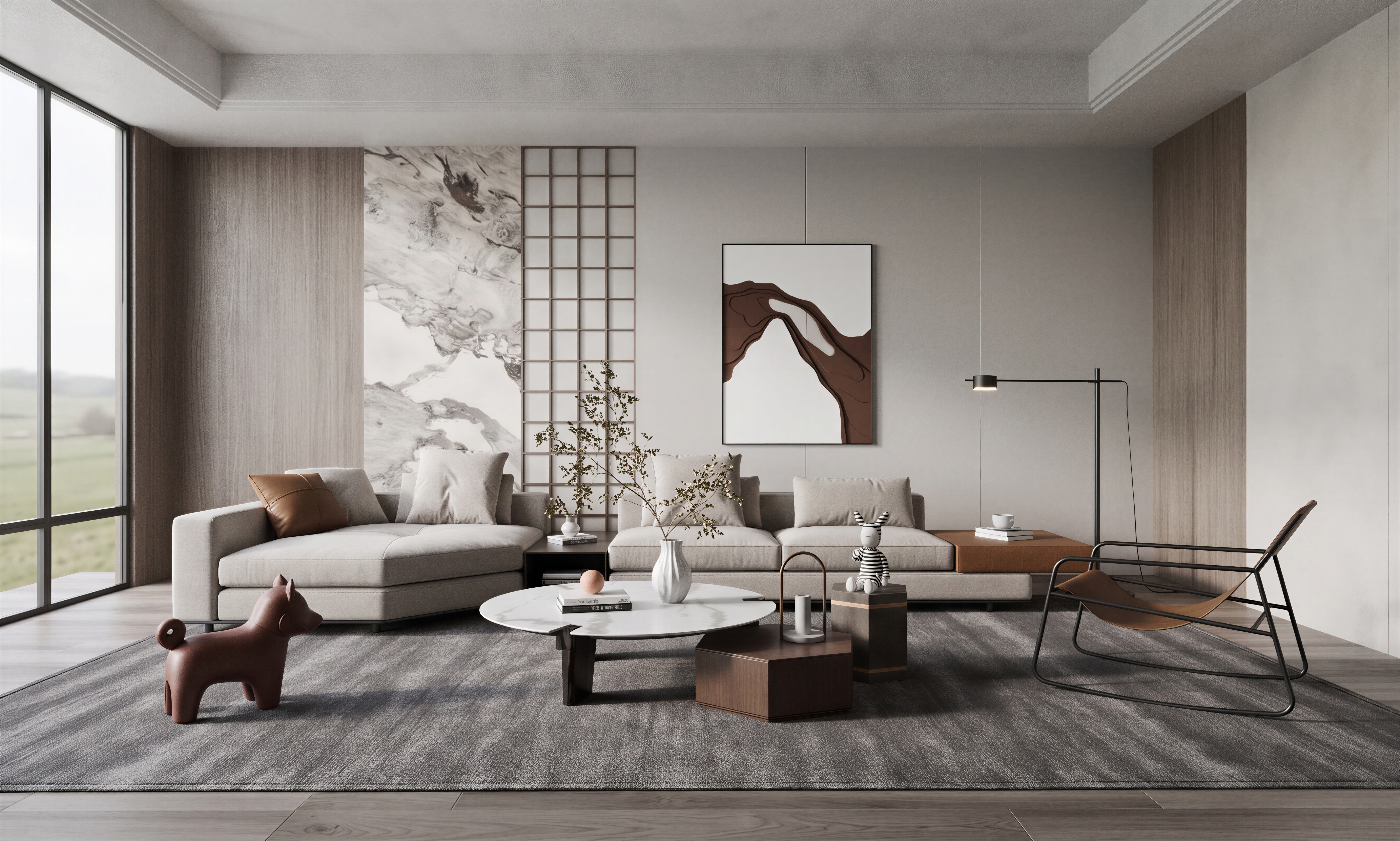
How it works
Up and running in 4 steps
Upload your render or photo
Start with a room photo, an existing render, or a sketch as your base image.
Paint a mask on the area to change
Use the built-in brush tool to paint over the exact region you want to redesign: one wall, a piece of furniture, the ceiling.
Set atmosphere and reference
Choose lighting mood, time of day, and optionally attach a reference image to guide the style output.
Generate and refine
EasyRender renders only the masked area in context with the rest of the image. Iterate until it's perfect.
What's included
Everything in Render Studio
Who it's for
Built for Render Studio users
Architects
Refine specific elements of a render: change a material, update a ceiling treatment, without regenerating the whole scene.
Interior Designers
Explore furniture and material options in precise areas of an existing space photo.
Visualisation Studios
Accelerate revision cycles by editing targeted regions instead of rebuilding scenes in 3D software.
Photographers
Digitally stage or restage specific zones of real estate photographs for listings.
FAQ
Common questions
You draw over the area of the image you want to change using a brush. The AI only regenerates the painted region while keeping everything else intact.
Yes. Upload any reference image and the AI will use it to guide the style, material palette, or mood of the generated output.
You can export up to 4K resolution. Standard exports are full HD.
Room Designer redesigns the whole room in broad strokes. Render Studio gives you precise control over specific regions via mask painting, ideal for professional iteration.
Both. You can use a room photo, an existing render, a floor plan, or even a rough sketch as the starting point.
Spend less time chasing feedback.
Spend more time designing.
AI rendering, client approvals, and team collaboration - all in one place.
No credit card required · Cancel anytime