All-in-One AI Tool
for Architects & Designers
Show Concepts easily and Get Client Approvals Faster.
Compatible with your favorite 3D modeling software
 SketchUp
 Revit
 Blender
 Rhino
 Vectorworks
 ArchicadSketchUpRevitBlenderRhinoVectorworksArchicad
“We used to spend a whole day going back and forth on render revisions. Now clients approve in hours.”
Priya Nair
Principal Architect, Mumbai
Everything You need as an
Interior Designer.
Turn concepts into photorealistic renders.
Transform rough sketches or basic models into client-ready visuals in seconds.


Cinematic Video
Convert static renders into smooth and realistic videos.
Redesign your space instantly.
Upload any room photo and see it reimagined across multiple design styles side by side. Show clients Japandi, Coastal, Modern, and more - all from a single photo.


Get client approvals Faster.
Share renders directly with clients and your team on a dedicated review board. They leave feedback, request changes, and approve - no emails, no whatsapp messages, keep everything organized.
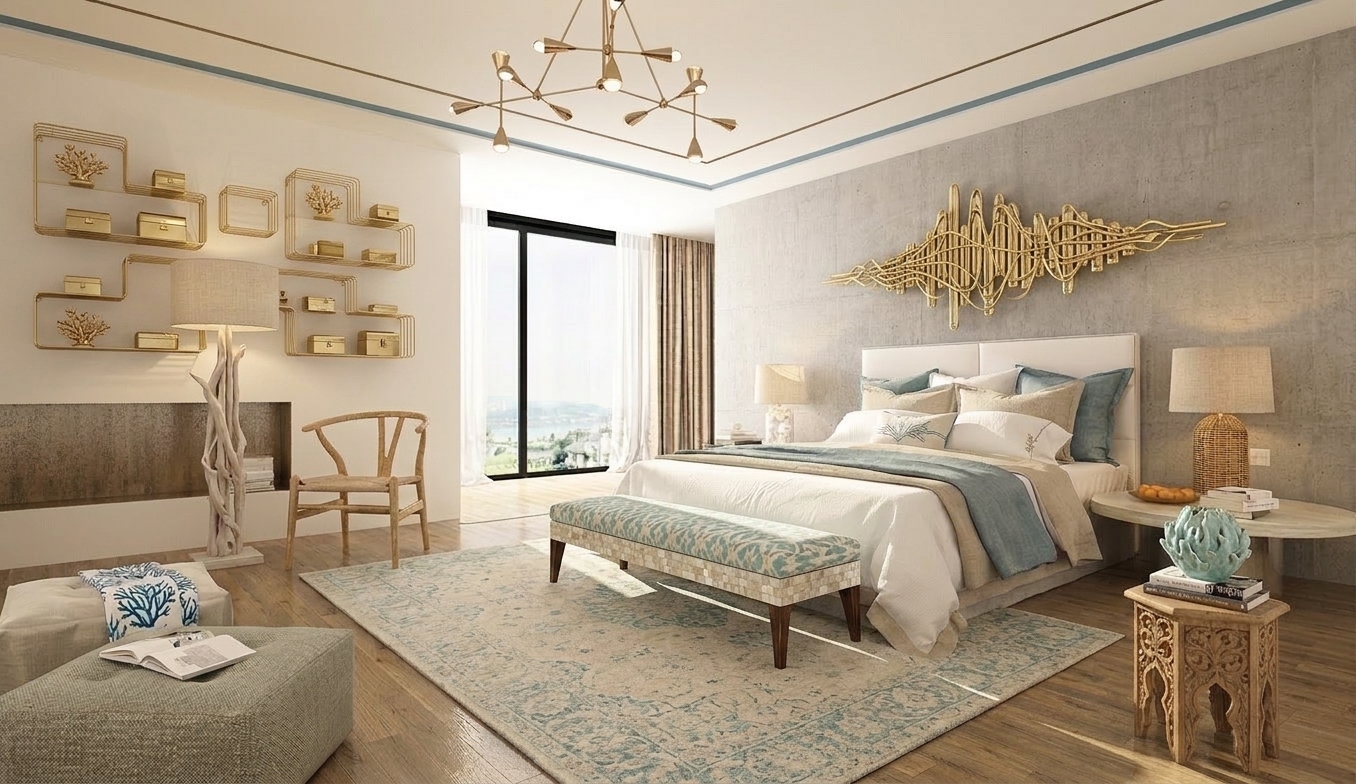
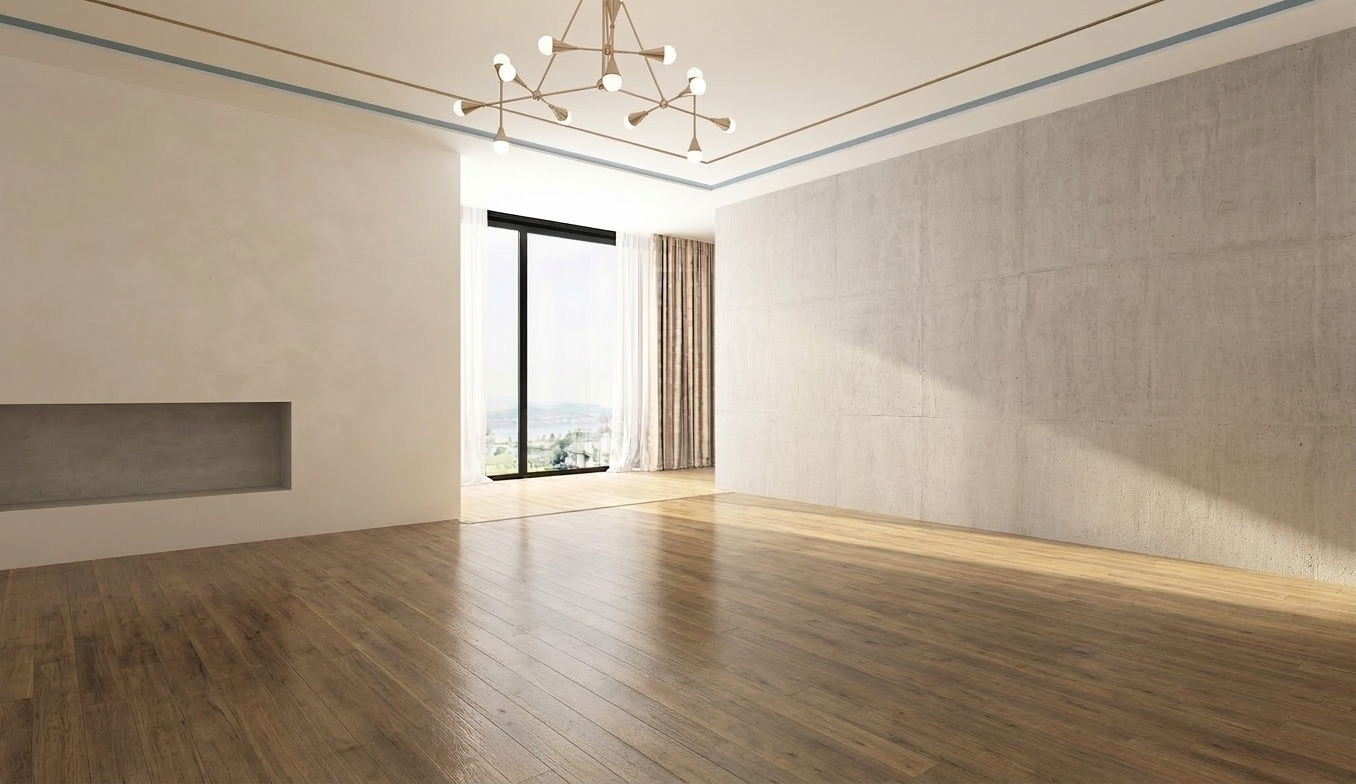
Stage empty rooms in seconds.
Generate fully furnished interiors with realistic lighting, depth, and style consistency.
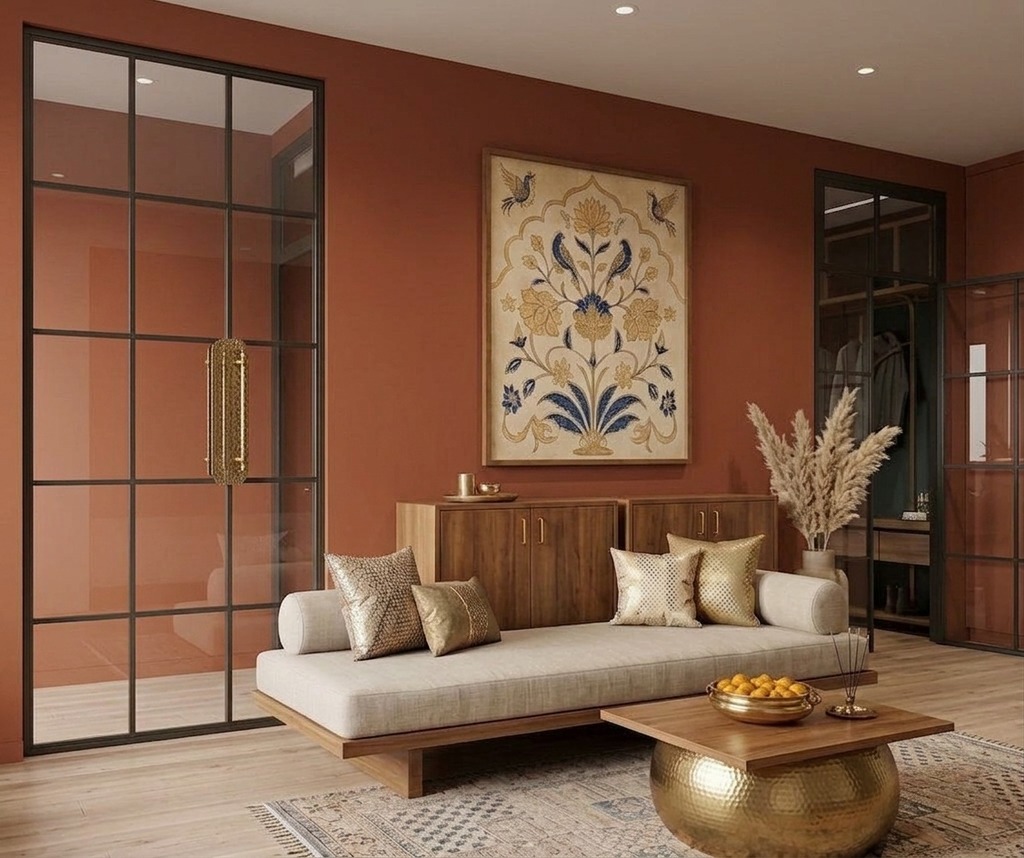
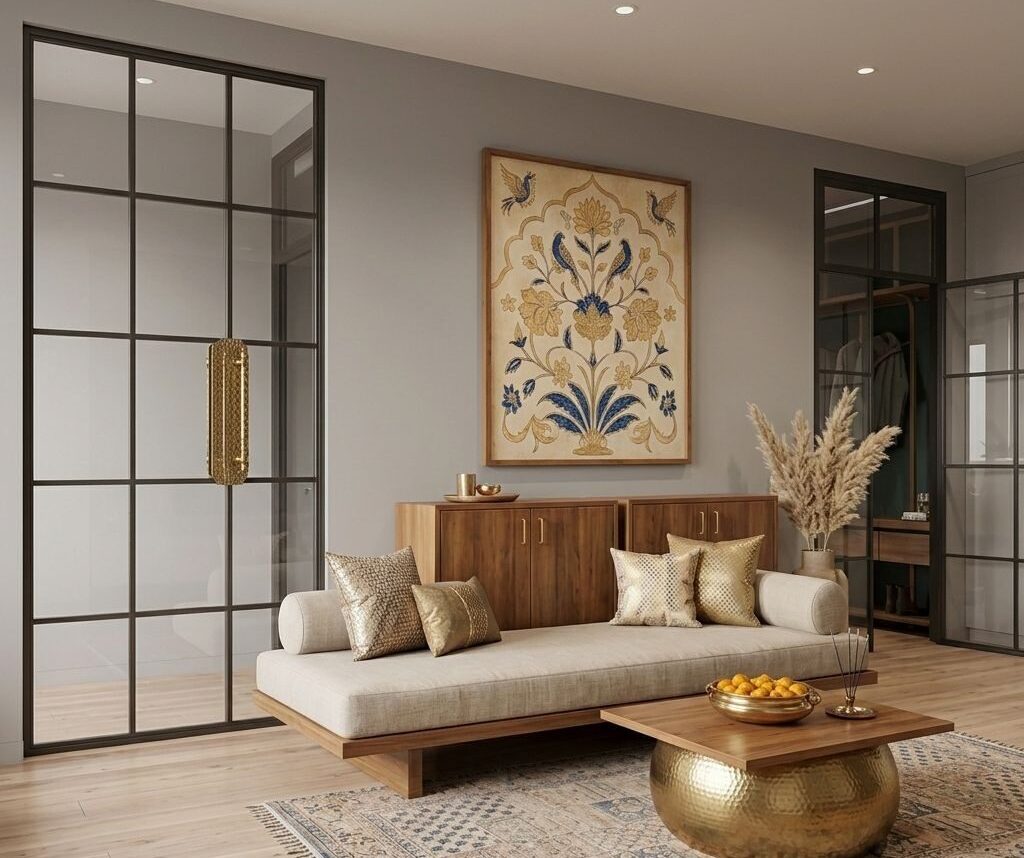
See your walls in any color before you paint.
Swap wall colors, finishes, and materials in seconds. Show clients exactly how a space will look without lifting a brush.
“My clients finally stopped asking for 'one more change.' Seeing a photorealistic render in seconds just closes the deal.”
Rajan Mehta
Interior Designer, Bangalore
Simple Pricing - Bring your own key
Renders run on your own fal.ai key, so you pay fal directly, at cost. Try 2 renders free on us, then connect your key and render as much as you like. Plans add 4K output and more approval boards.
Monthly
Use your own fal.ai key, billed monthly
- Use your own fal.ai API key
- Unlimited renders
- All AI tools & 4K output
- 10 approval boards
- Commercial license
Yearly
Use your own fal.ai key, billed yearly
- Use your own fal.ai API key
- Unlimited renders
- All AI tools & 4K output
- 10 approval boards
- Commercial license
Lifetime
Pay once, use your own fal.ai key forever
- Use your own fal.ai API key
- Unlimited renders
- All AI tools & 4K output
- 25 approval boards
- Commercial license
Frequently Asked Questions
Everything you need to know about using Easyrender for your design workflow.
Not at all. Easyrender natively understands architectural concepts. Just upload an image, select a room type, and let our AI handle the complex lighting and rendering for you.
Most high-fidelity renders are generated in under 10 seconds. You can create multiple design variations in the time it would traditionally take to set up a single camera angle.
Easyrender works directly in your web browser. You can export static images from any software (SketchUp, Revit, Rhino, AutoCAD, etc.) or just use photos of empty rooms.
Yes, you own full commercial rights to the renders you generate. They can be safely used for real estate listings, client presentations, and marketing.
No. Clients can review renders and leave feedback through a simple shared link - no signup required.
Yes. Easyrender works alongside your existing 3D workflow. Export a render or screenshot from any software and use it as your starting point.
You can purchase additional credits anytime without upgrading your plan. Top-up packs are available in the dashboard whenever you need them.
Spend less time chasing feedback.
Spend more time designing.
AI rendering, client approvals, and team collaboration - all in one place.
No credit card required · Cancel anytime

